

Byster

 Undetected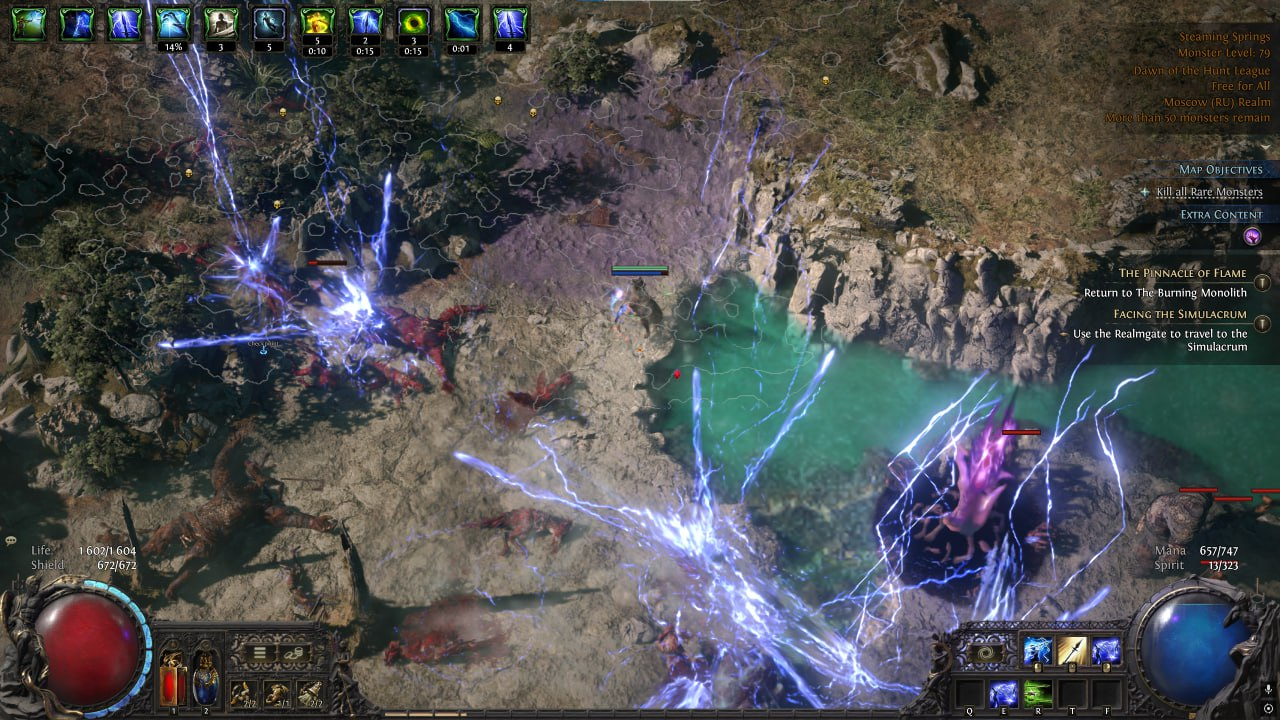
 Product description
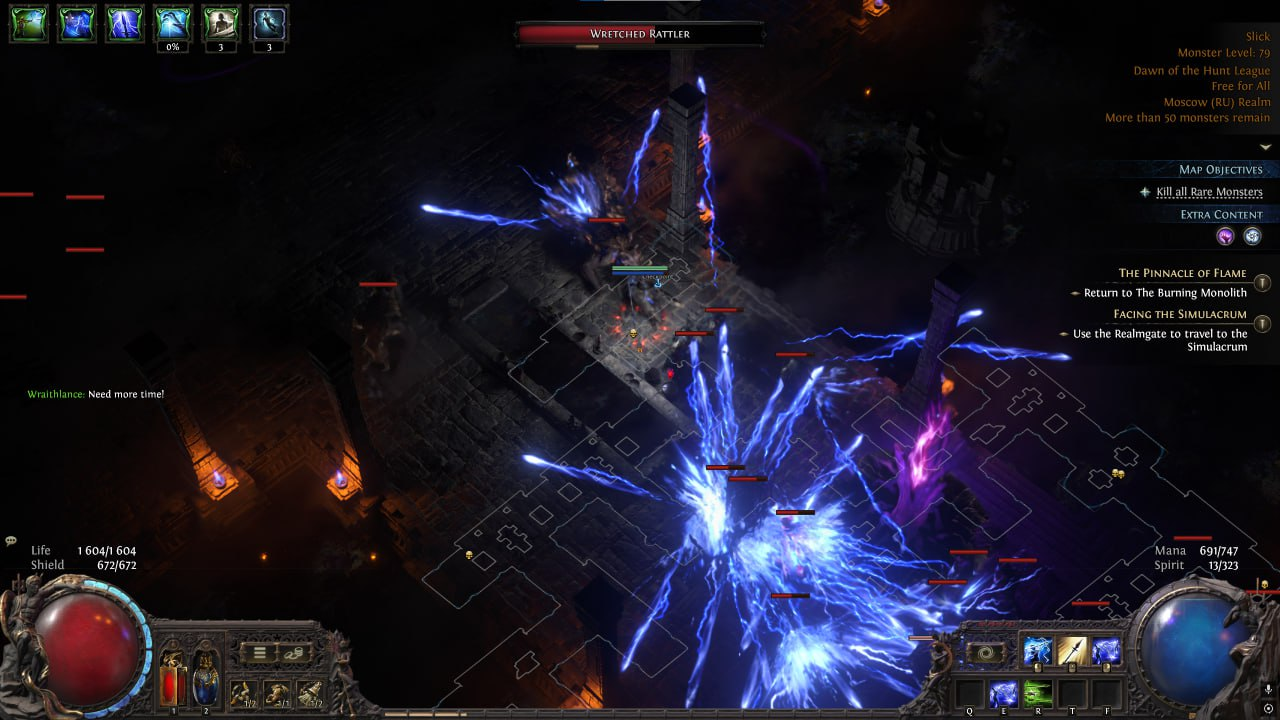
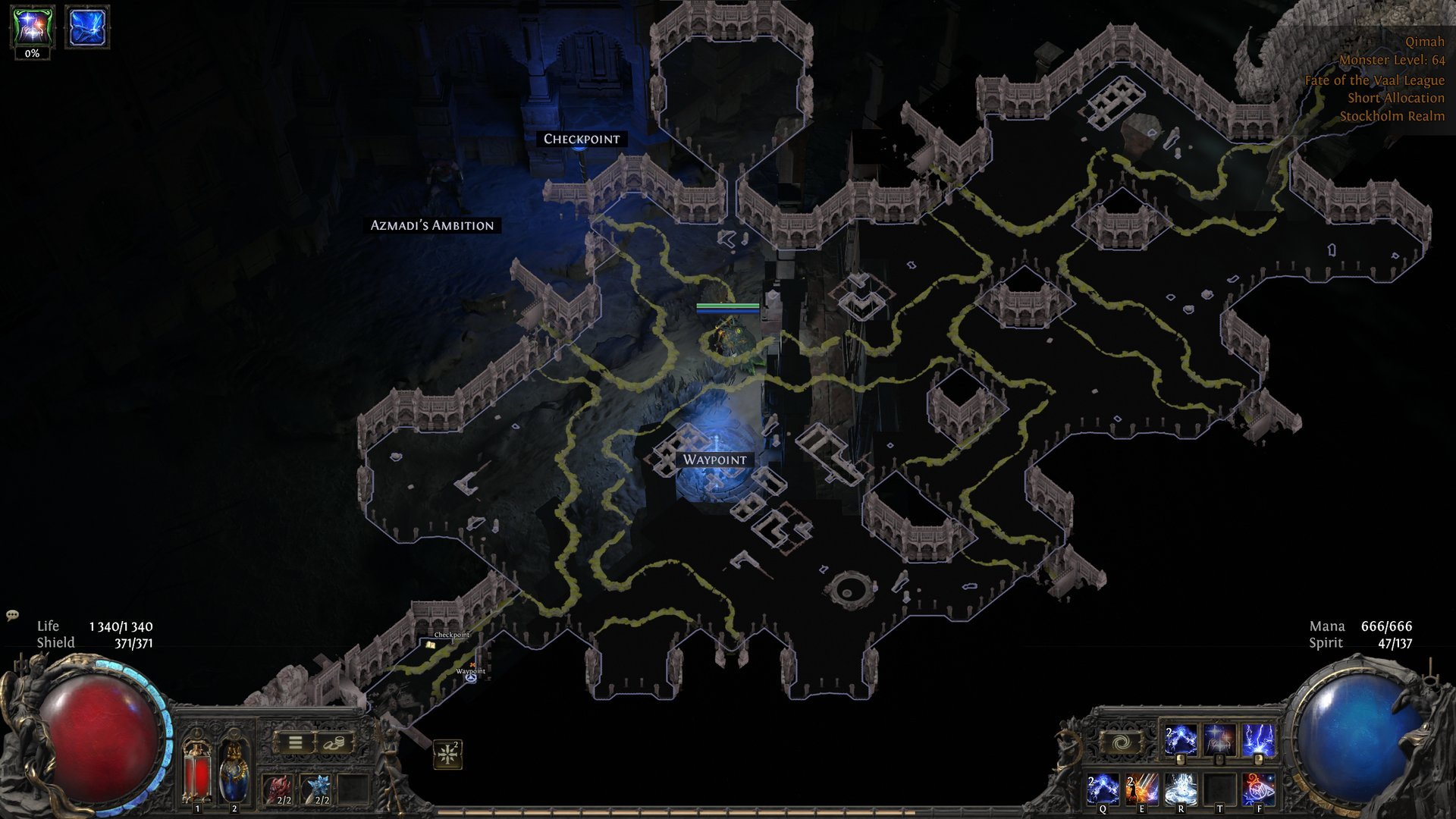
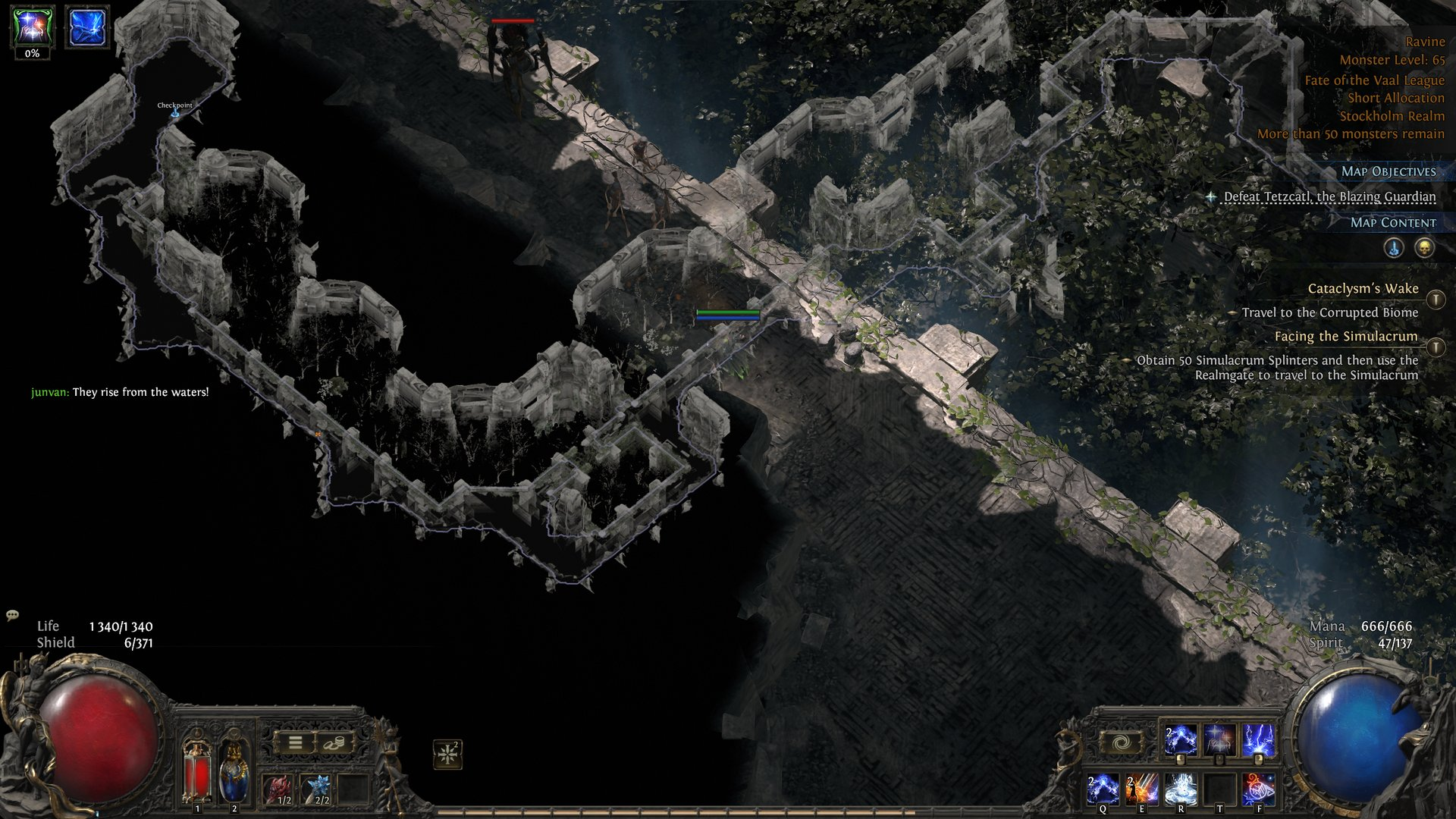
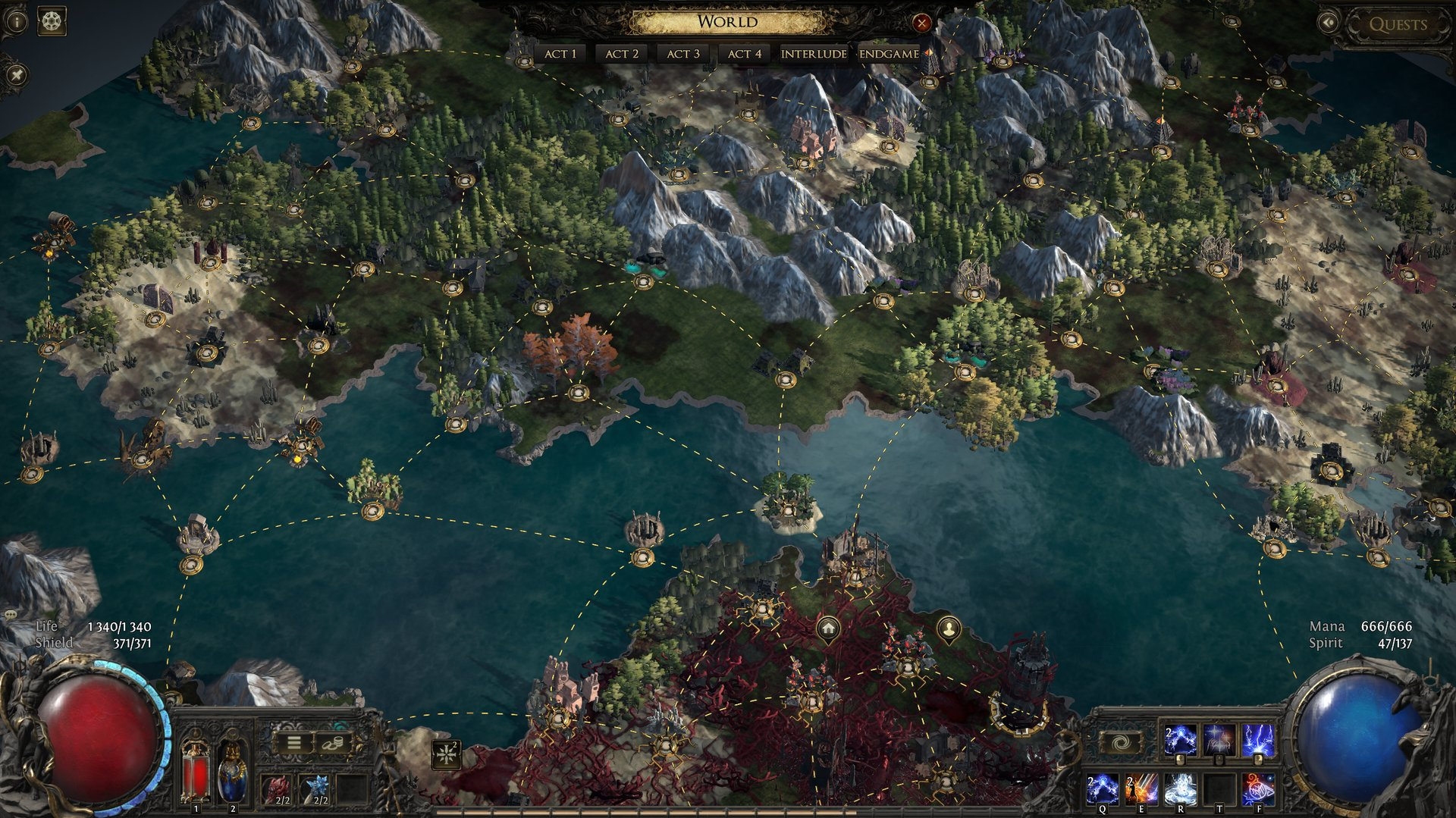
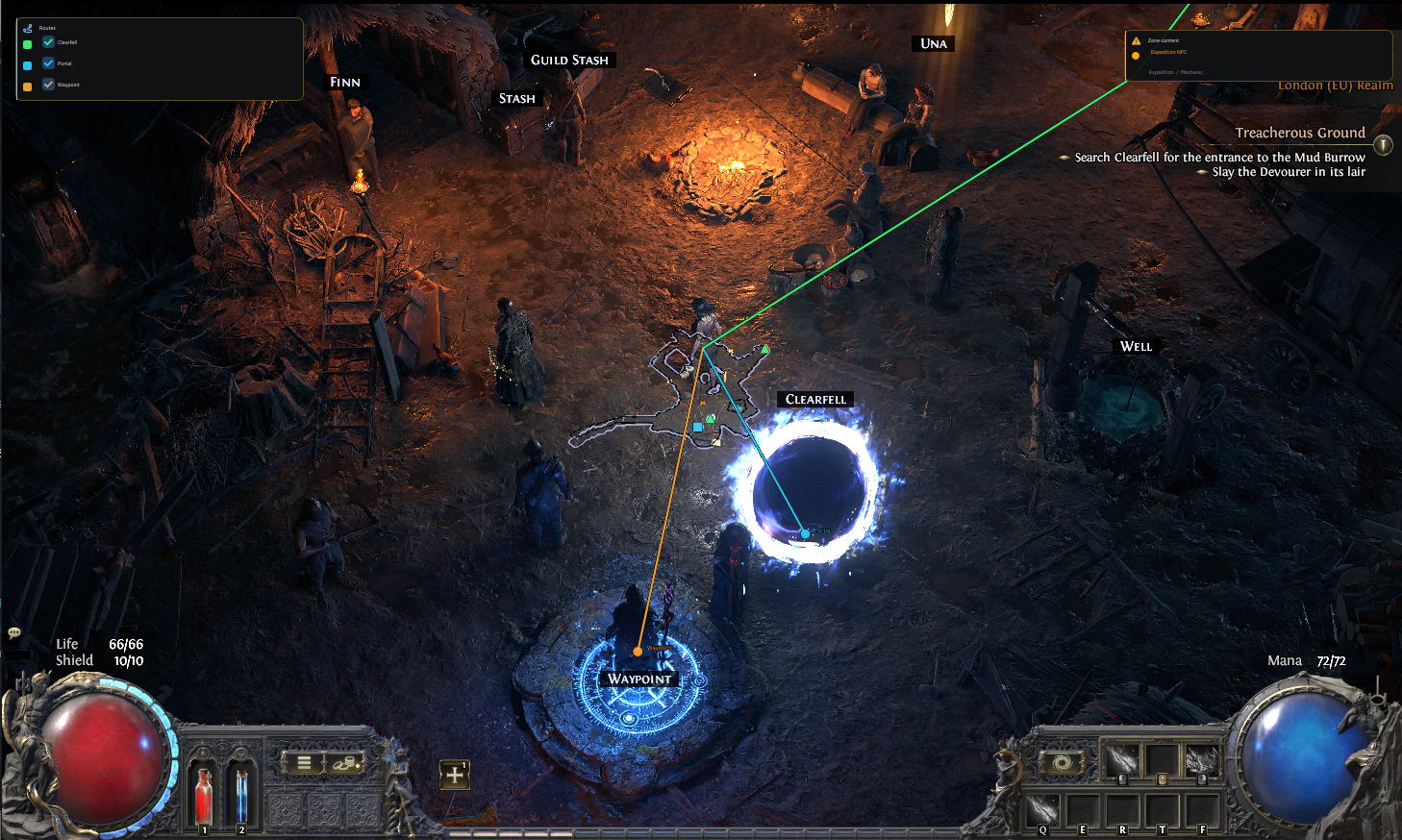
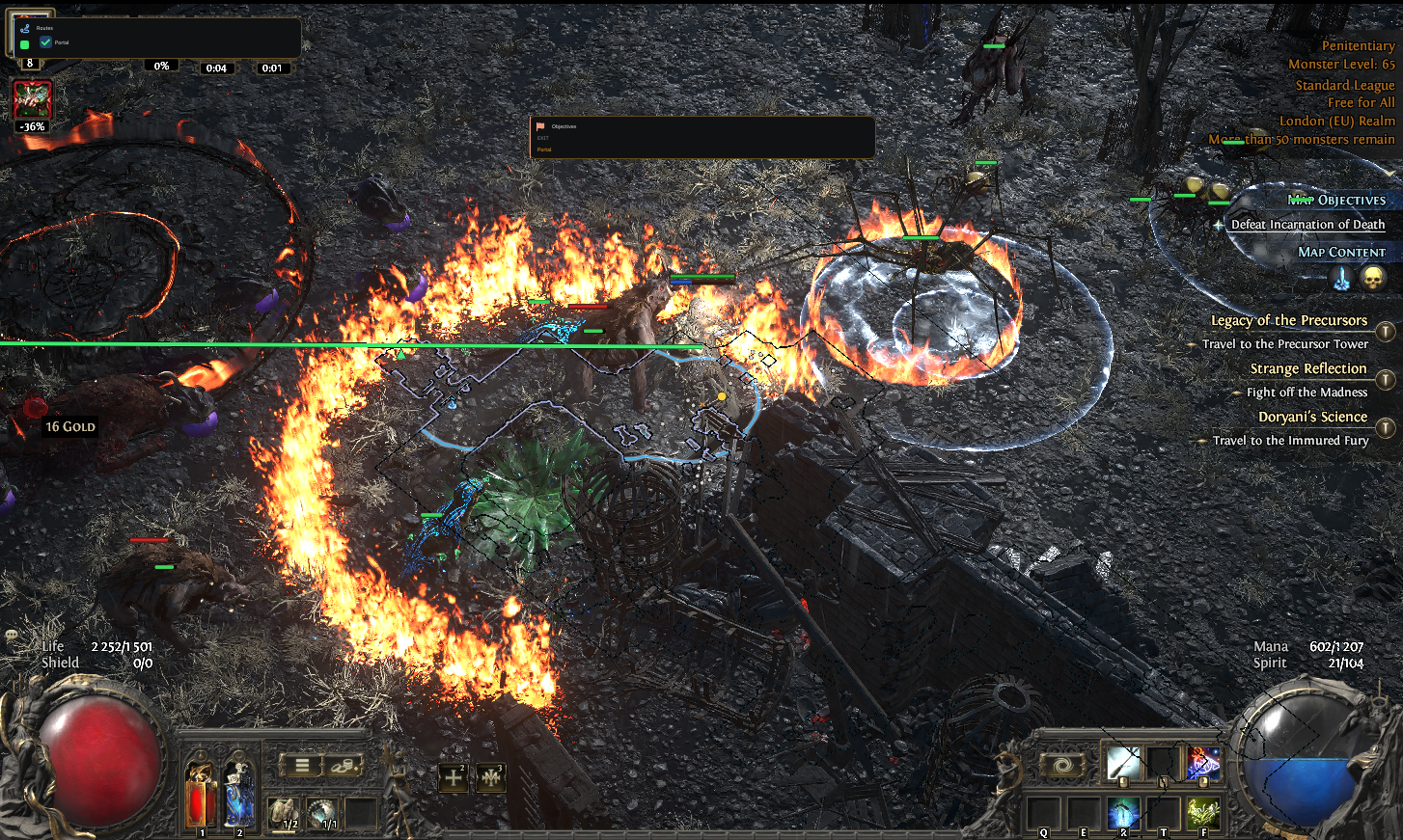
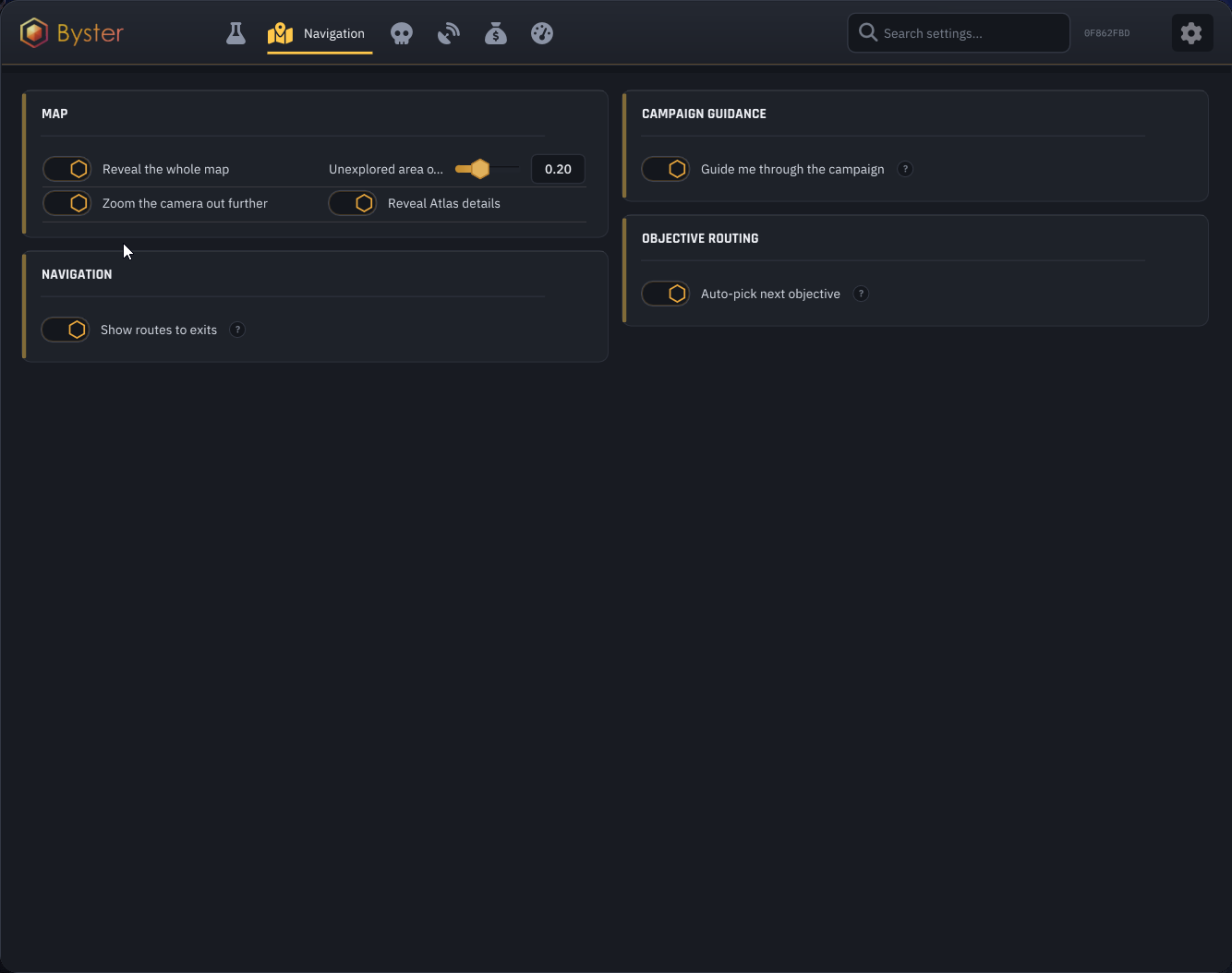
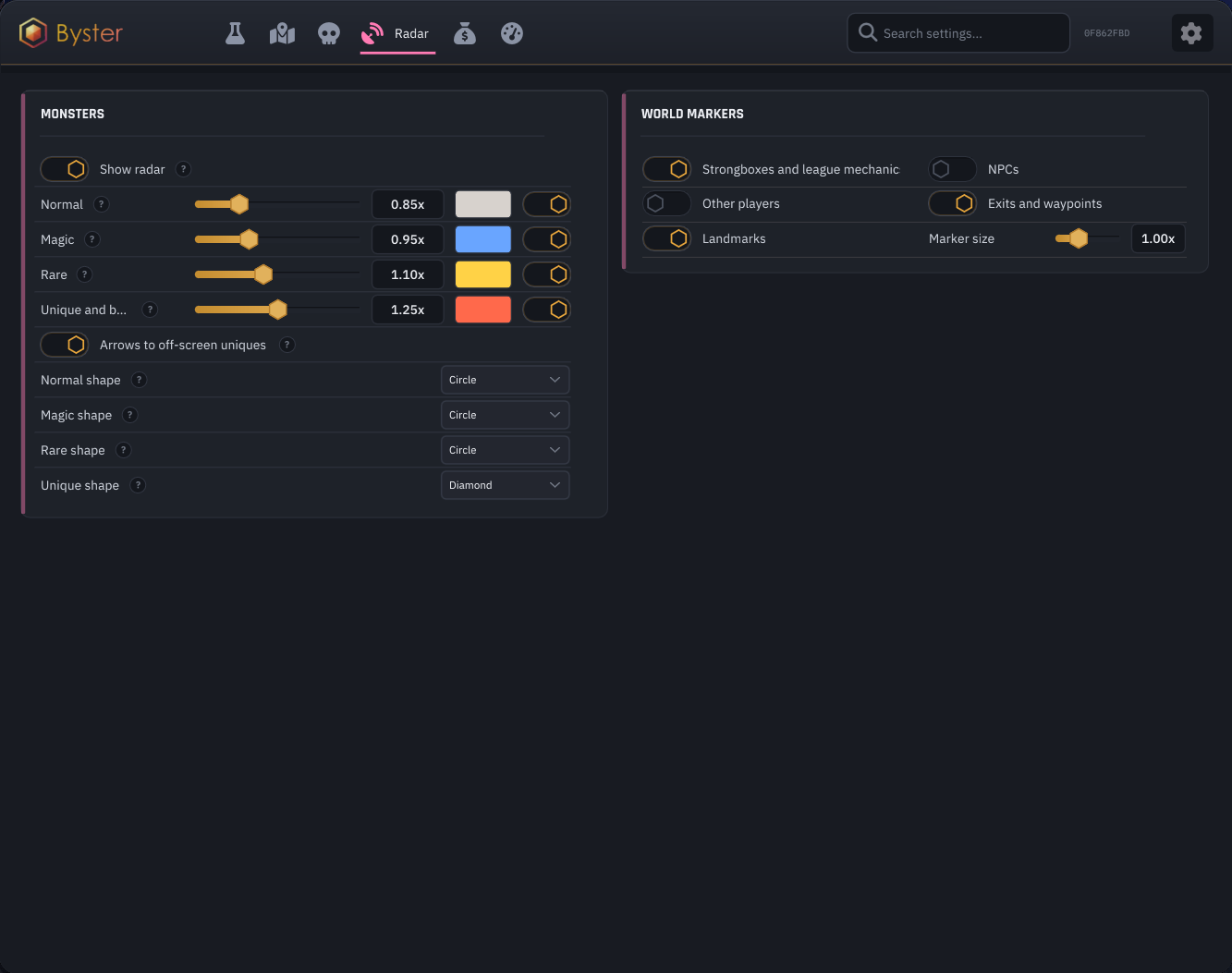
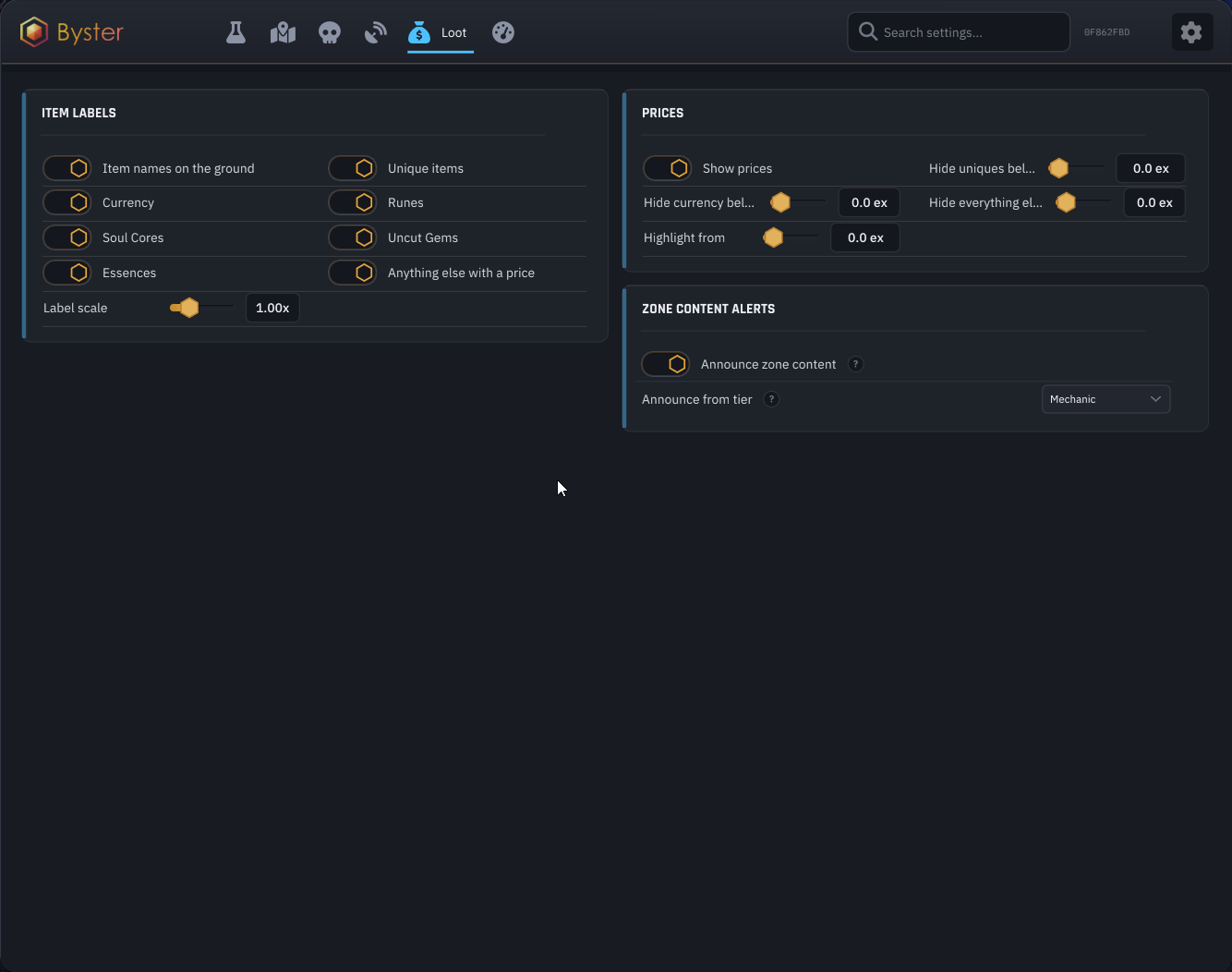
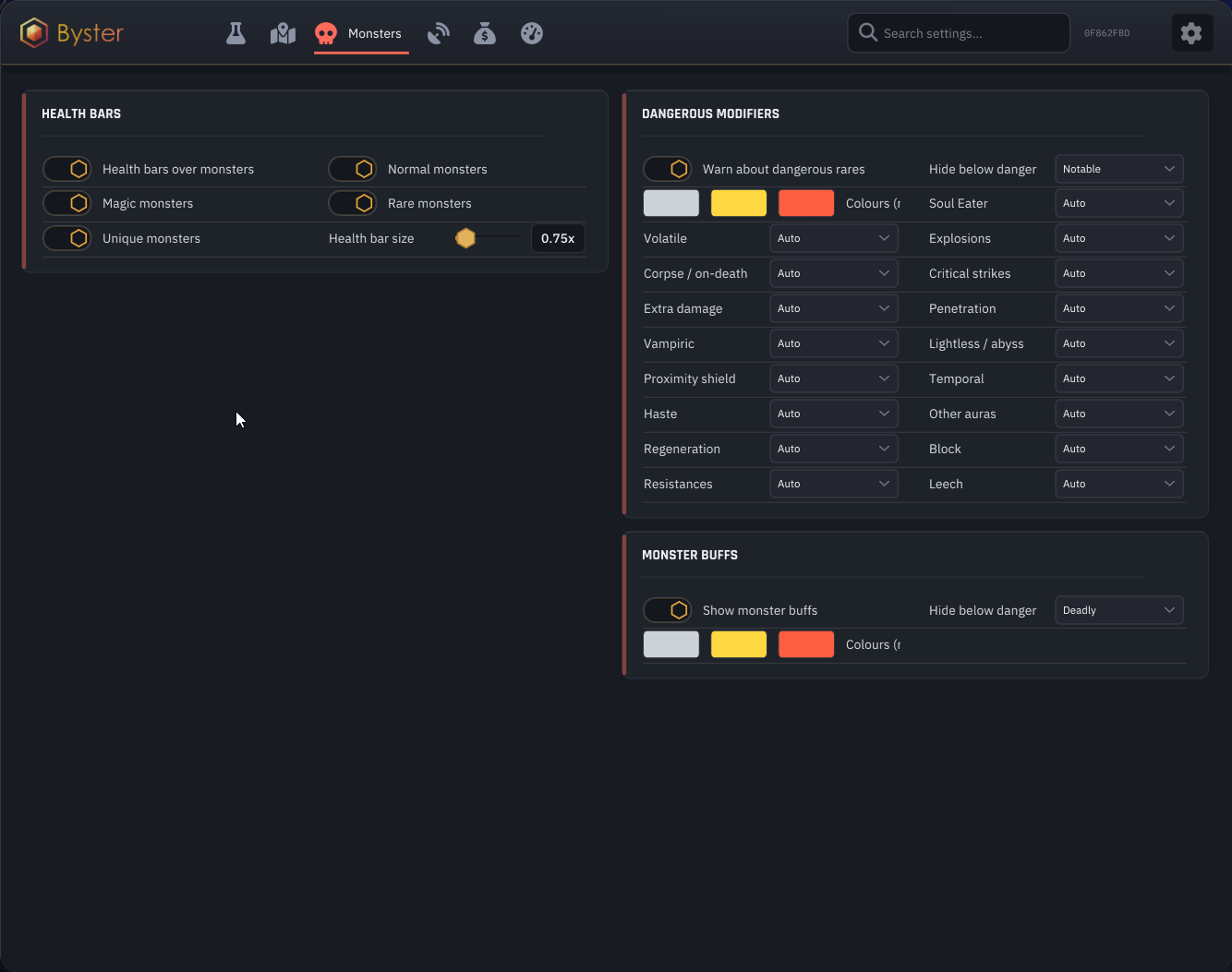
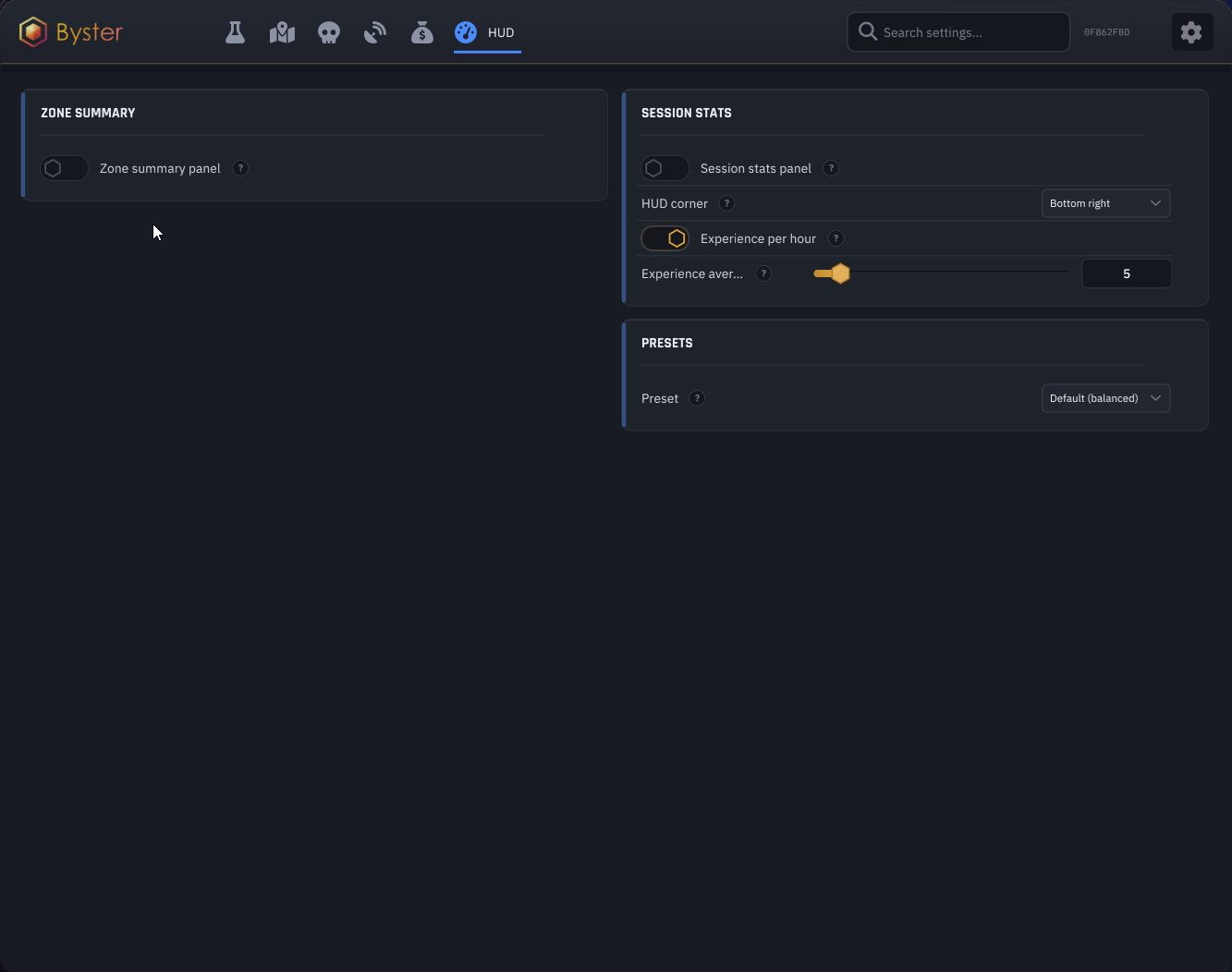
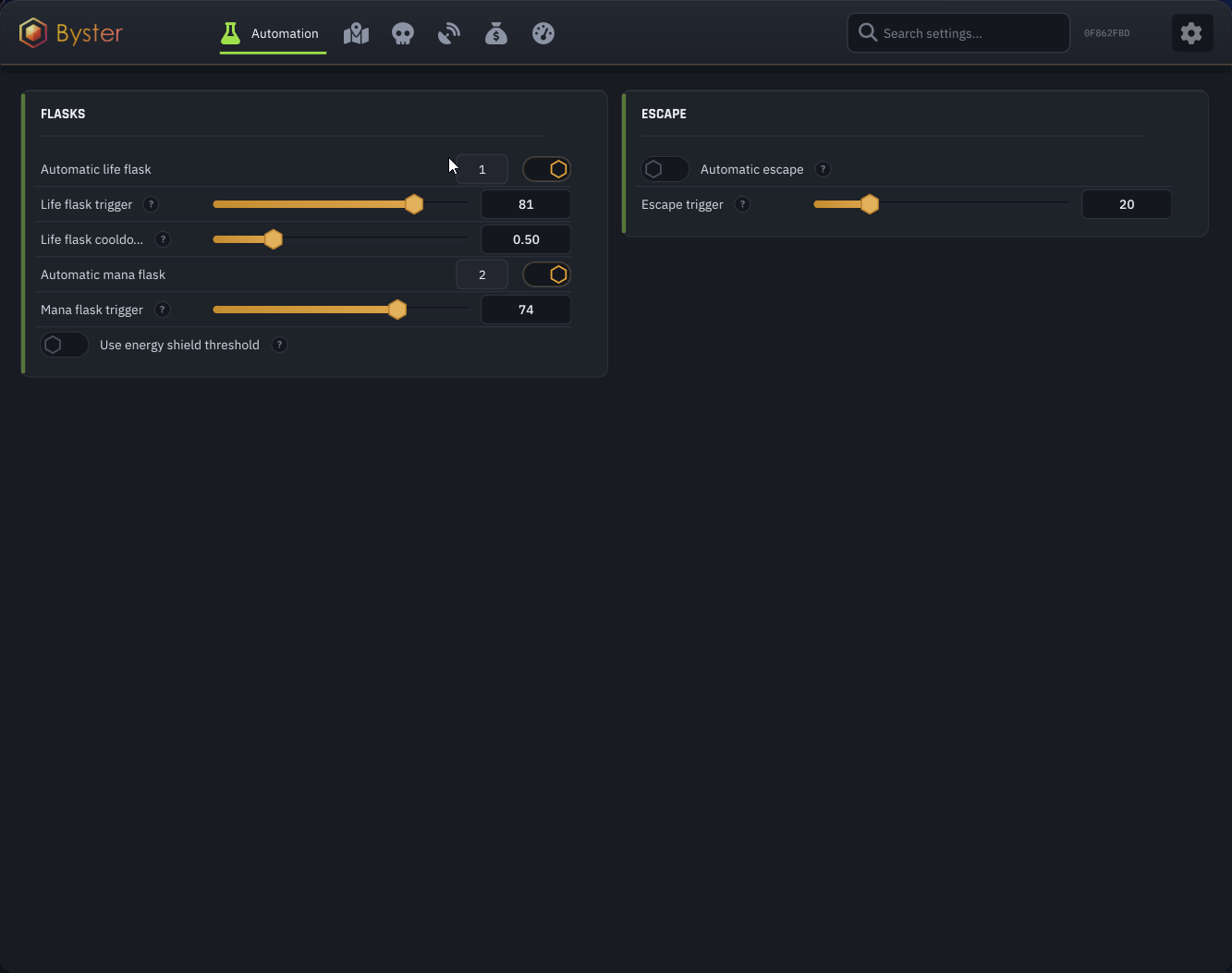
Byster for Path of Exile 2 combines map and Atlas reveal, route guidance, monster and object radar, advanced loot highlighting, a statistics HUD, and configurable flask automation. Its main modules are managed from one menu with separate controls for navigation, targets, loot, and emergency escape.


 RADAR
RADAR LOOT
LOOT MONSTERS
 AUTOMATION
Byster POE2 FAQ
The product includes map and Atlas reveal, navigation, target and object radar, loot filters, monster information, HUD, and flask automation. The complete current list is shown above on this page.
After a correct launch, press Insert in the game main menu.
Open the launcher first, activate the key, and press Download. Wait for Waiting game in the console, then launch Path of Exile 2, reach the main menu, and press Insert.
The supplied POE2 file confirms Steam and the game launcher. Epic Games support is not listed. Check the current product status on this page before each launch.
No. The status reflects the supplier's current product state but cannot eliminate ban risk. Use a separate game account and follow the setup guide.
Do not reactivate the key or download files from third-party sources. Open a support request on the Arayas website and attach a console screenshot or the exact error text.

Arayas support
Help with purchases and setup

In any game with any cheat you can get banned. Try to play as carefully as possible!
