

Phoenix ARK Survival Ascended

 Undetected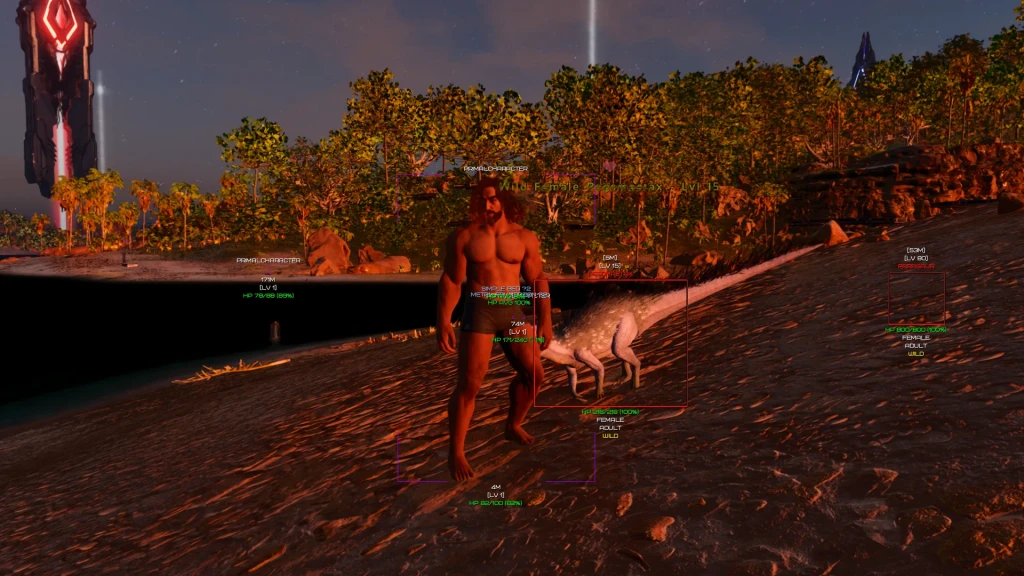
 Product description
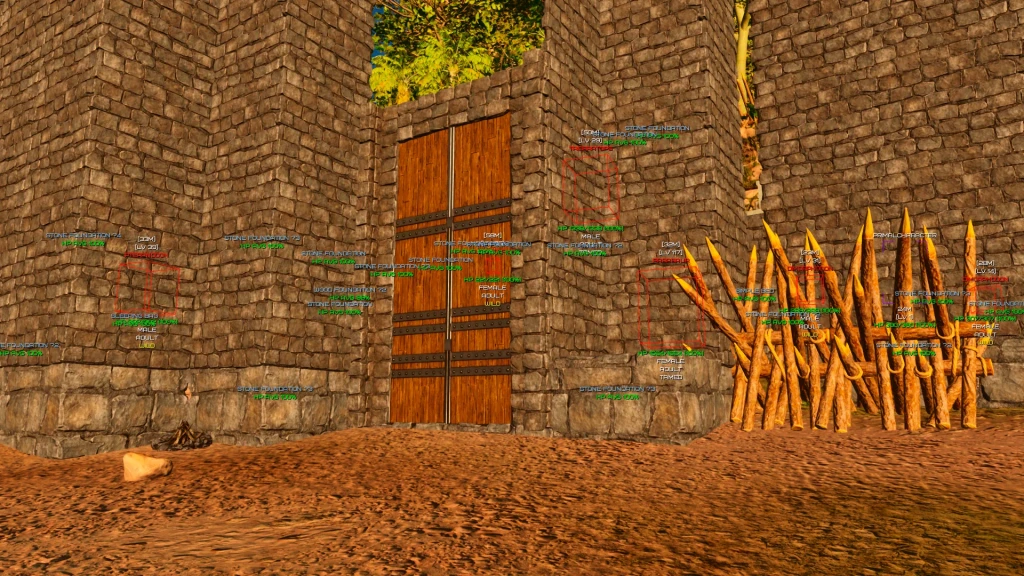
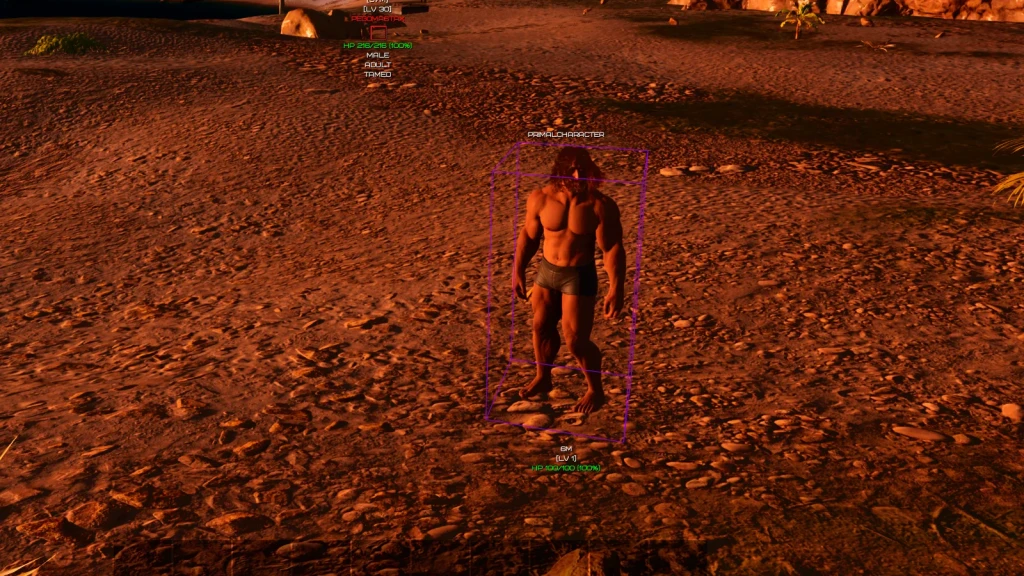
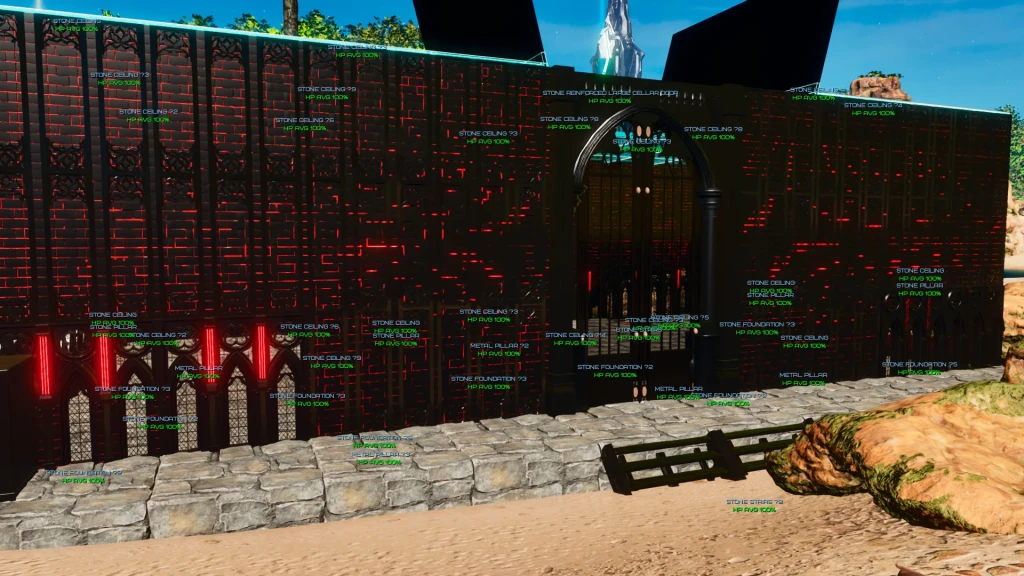
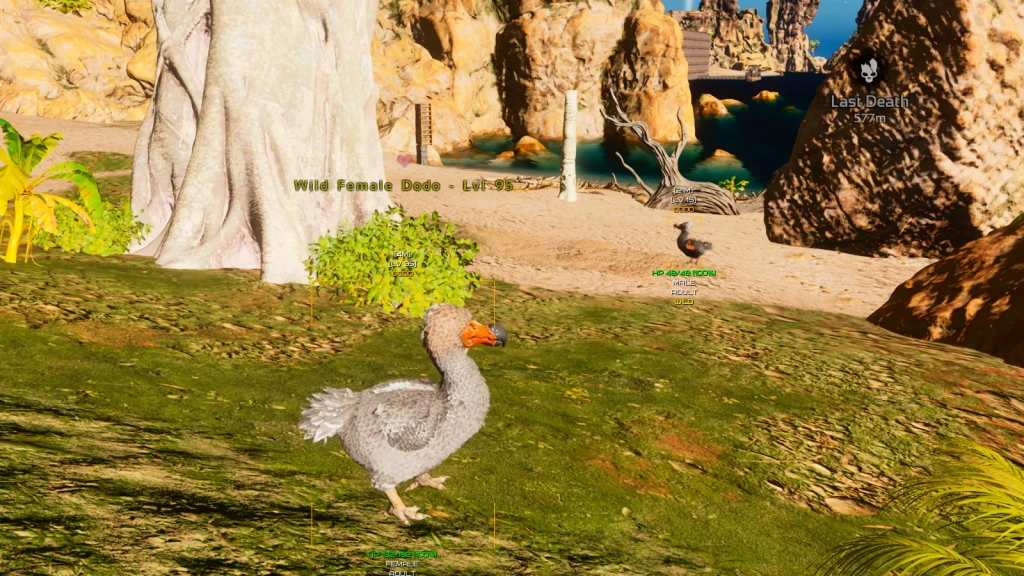
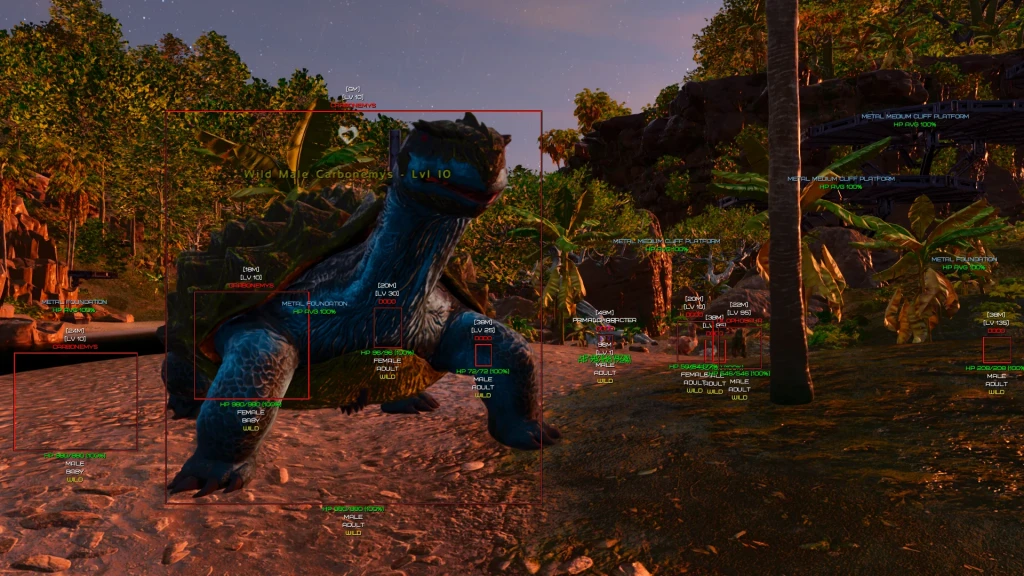
Phoenix — a stable and regularly updated private software for ARK: Survival Ascended focused on visual awareness and comfortable gameplay without unnecessary features. It is ideal for players who value information and convenience without interfering with shooting. The core functionality is advanced ESP. Dino ESP shows dinosaurs with full information: level, health, status (wild/tamed), gender, age, and even XP for killing. Flexible filters and display customization for specific creature types are available. Players ESP displays players with boxes, skeletons, level, health, and distance. World ESP helps monitor structures: shows owner, durability, and structure types with filtering options. Additional useful features include Auto Armor Swap for automatic broken armor replacement, Full Bright for clear visibility in any conditions, and a custom crosshair. Phoenix is a convenient and safe internal solution for full control in ARK SA.
 Aim Bot

 Dinos ESP (Dinosaur)Players ESP (WH)World ESP (Structures)
 Auto Armor Swap – instantly replaces broken armor
Phoenix ARK Survival Ascended FAQ
The complete current feature list is shown in the sections above and sourced directly from the official Phoenix page.
The status is shown at the top of the page. Check it before every launch and do not use the product while it is updating.
Use only the verified Phoenix Loader folder (https://mega.nz/folder/e5xX0Dwb#V0yFv-QAzbjaKoOOM7bzyQ) or the official PhoenixLoader bot (https://mega.nz/folder/e5xX0Dwb#V0yFv-QAzbjaKoOOM7bzyQ).
Run the loader as administrator, paste the key into the Key field, and click Continue. Then select the product in the Game section.
Open support on the Arayas website and attach your order number, an error screenshot, and a Device Information screenshot from the loader.

Arayas support
Help with purchases and setup

In any game with any cheat you can get banned. Try to play as carefully as possible!
