
Guide forEthereal

Requirements

Installation Steps
Download the loader using your key.
https://eclipse.syringe.dev/download
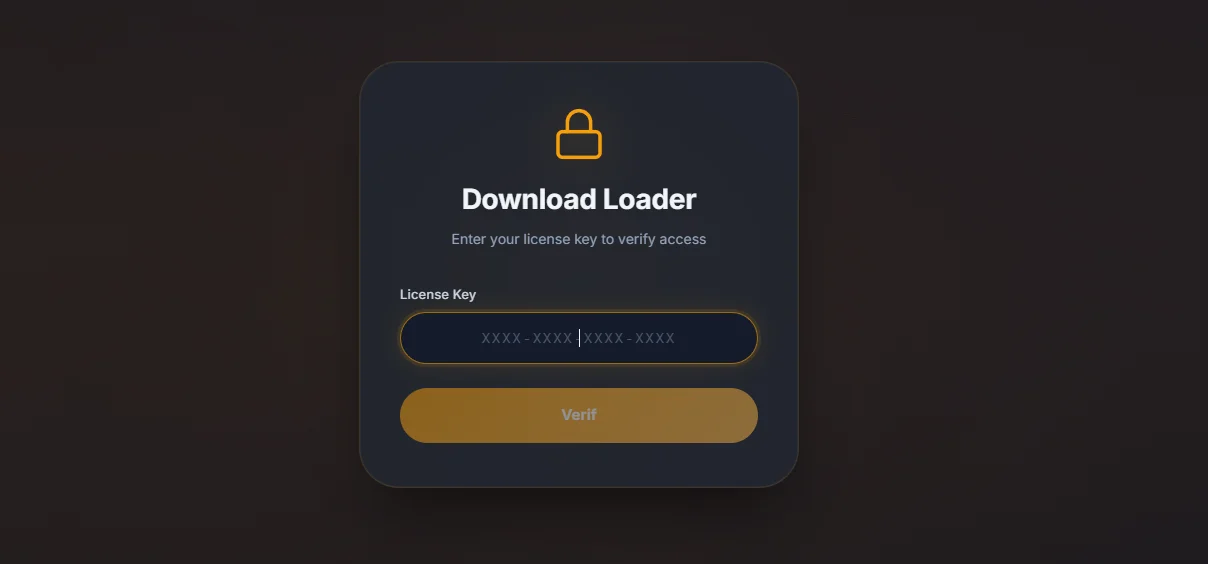
Loader
Run the file as administrator. Pick your game from the list and press Launch.

Wait for the loader to close
A green check mark means the injection succeeded. A reboot prompt appears — click Yes.

After the reboot
After the reboot: run the loader as administrator again → pick the game → Launch. Start the game IMMEDIATELY and wait until the main menu is fully loaded.
Done — the cheat menu appears in the top-left corner
The cheat menu appears in the top-left corner of the screen. If it is not there, close the game, run the loader as administrator again and repeat steps 3-4.


Hotkeys
| Key | Action | Description |
|---|---|---|
| Insert/Home | Open the menu | — |

Troubleshooting
1. Close the game. 2. Open Settings → Display → Scale and set it to 100%. 3. Launch again. More details: https://club.dns-shop.ru/blog/t-328-prilojeniya/45790-kak-nastroit-masshtabirovanie-v-windows/
1. Close the game. 2. Disable the Windows paging file. 3. Restart the PC. More details: https://windows10x.ru/kak-otklyuchit-fajl-podkachki-windows-10/
1. Disable Game Mode and Hardware-accelerated GPU scheduling. 2. Enable VSync in the game settings.
Synchronize Windows time, restart the router, and try again. If the issue remains, use a Russia/CIS VPN and keep it enabled during the game.
The ISP may have blocked the server IP. Restart the router if you have a dynamic IP. With a static IP, use a VPN to launch the loader; it can be disabled after injection.
Restart the router and download the loader again.
Connect to a Russia/CIS VPN and repeat the injection while the VPN is active.
Uninstall Faceit and Riot Vanguard, clear the Temp folder and Recycle Bin, then restart the PC.
Disable Core Isolation / Memory Integrity. More details: https://clck.ru/347Fmi — video: https://youtu.be/I9C8P_-lTn4
Remove antivirus and conflicting anti-cheat software with their official uninstallers or Revo Uninstaller, then restart the PC.
Your Windows build is outdated. Update or reinstall Windows.
Disable Core Isolation / Memory Integrity. More details: https://remontka.pro/disable-core-isolation-windows/ — video: https://youtu.be/I9C8P_-lTn4
Disable Defender according to the product requirements, remove conflicting antivirus software, download a fresh loader, and move it to drive C:.
Set DNS to Cloudflare (1.1.1.1 and 1.0.0.1), restart the PC and router, and install WebView2: https://go.microsoft.com/fwlink/p/?LinkId=2124703. If the issue remains, try a VPN and contact support through the chat on arayas-cheats.com.
